Slide 1
Promises in JavaScript — The KFC Burger Analogy
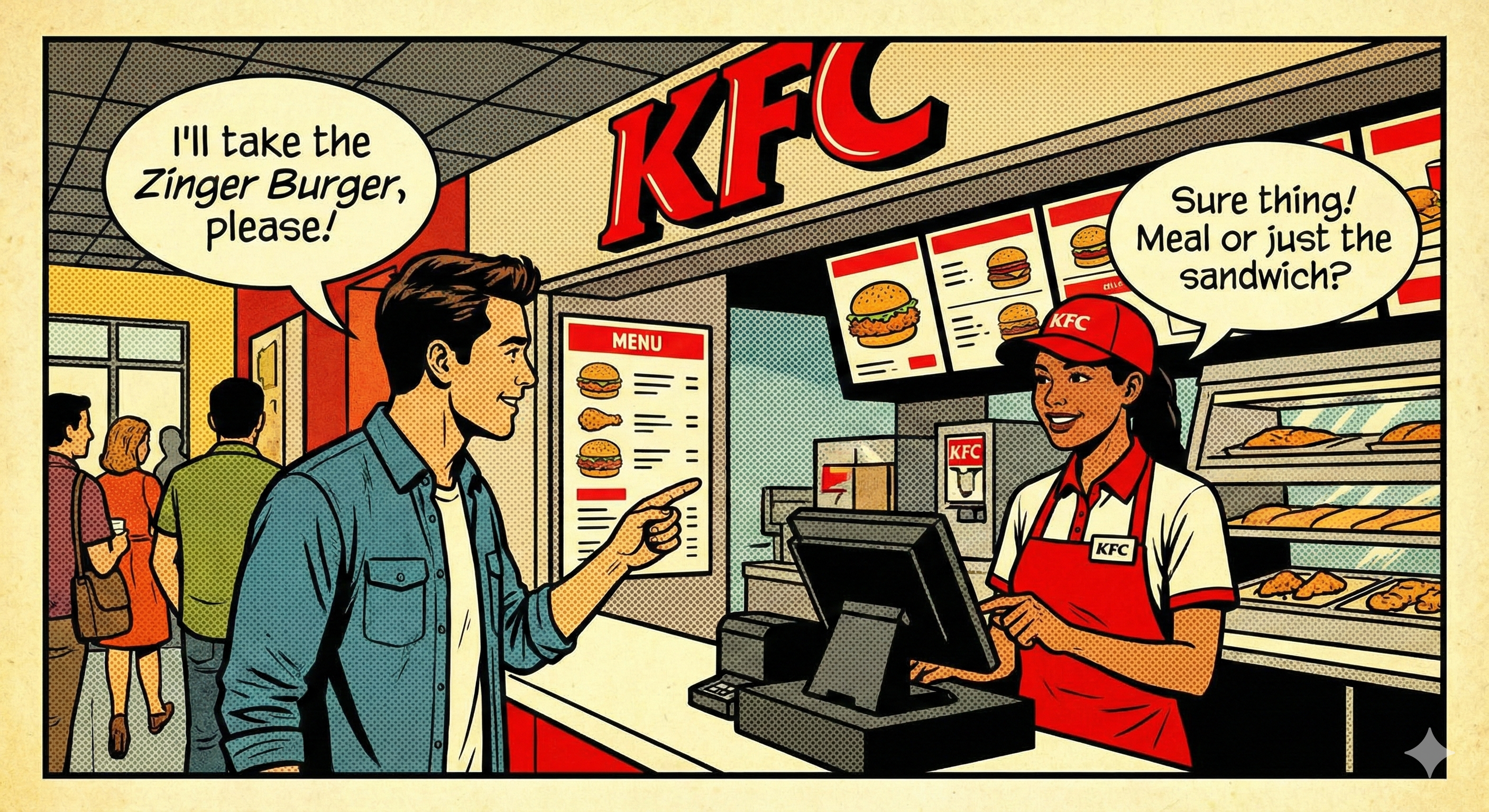
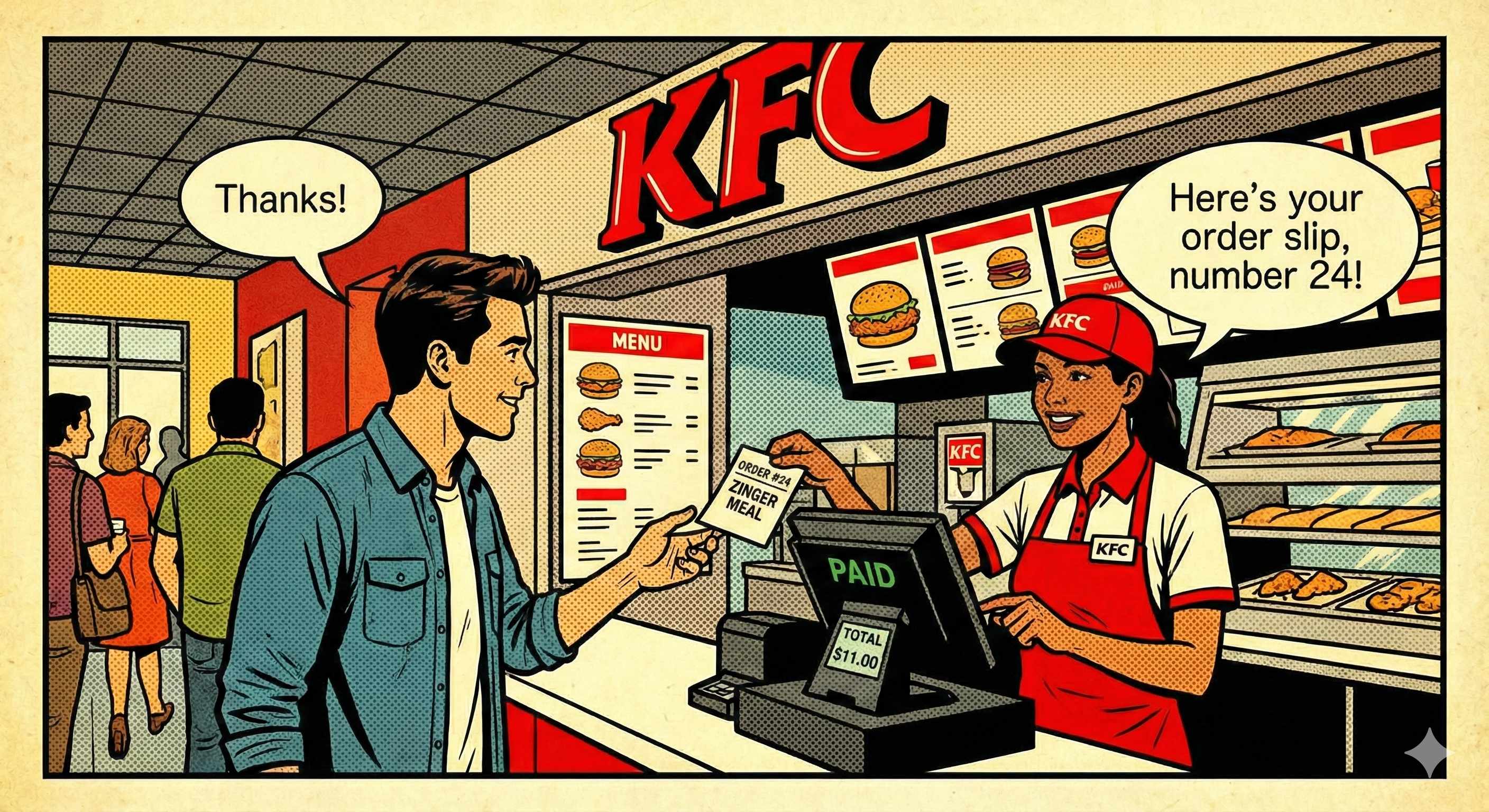
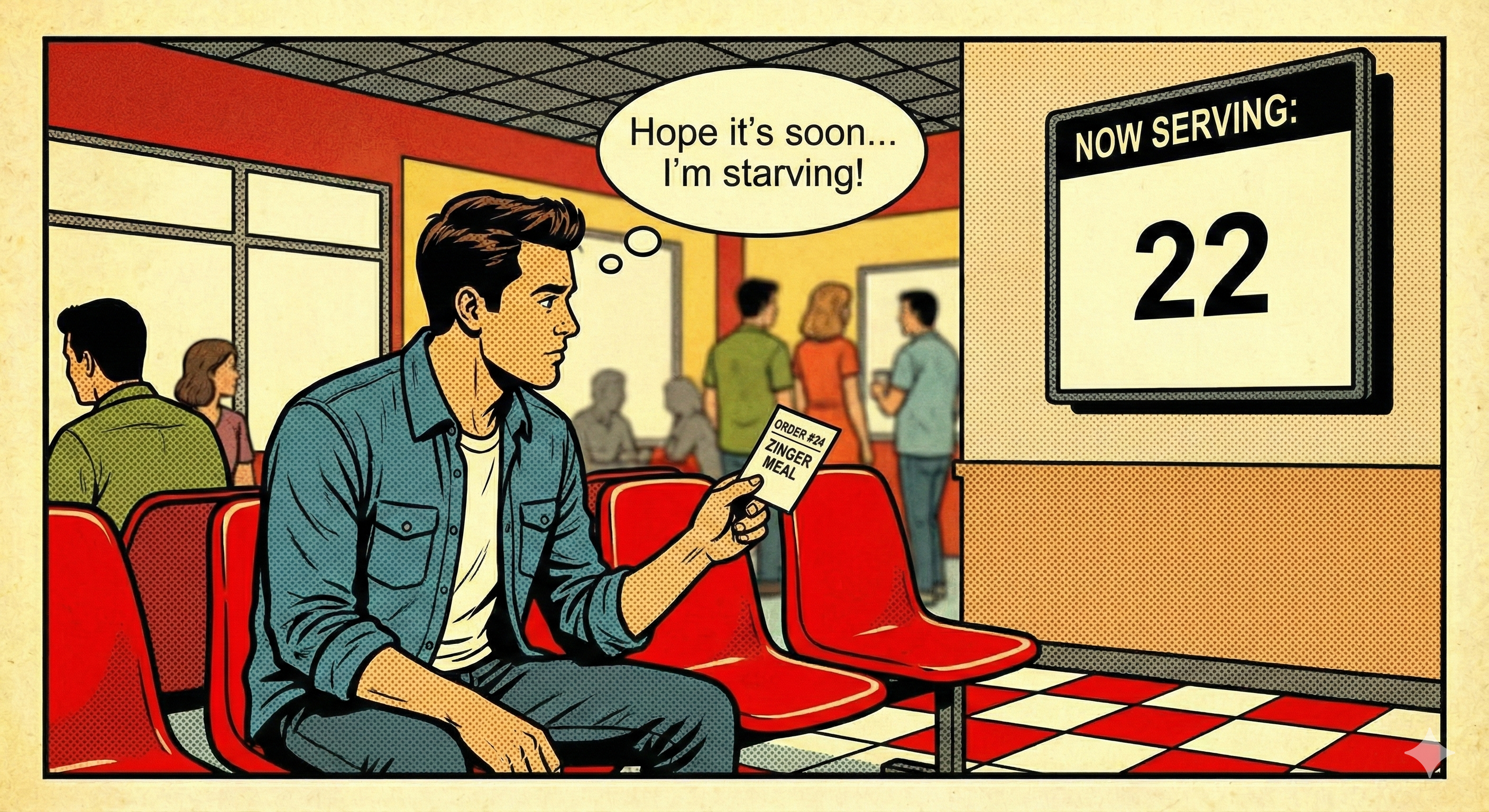
- What we’ll learn: Promise states
- Resolve / reject
then/catch/finally- React API demo powered by Promises
Slide 2
Producer vs Consumer
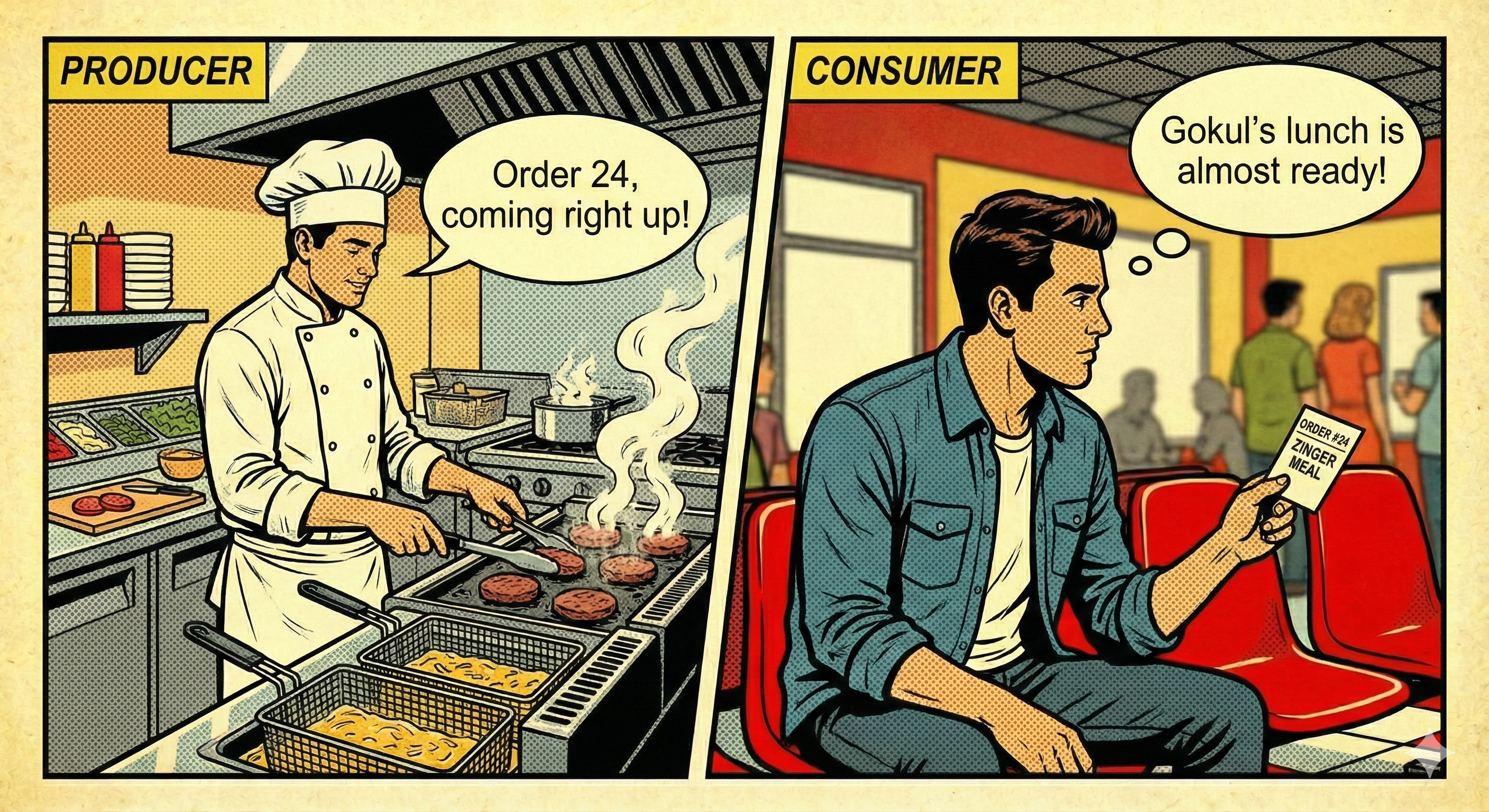
- Producer code = the KFC kitchen (prepares result)
- Consumer code = the customer (uses the result)
- Promises connect producer and consumer
Slide 3
Promise Object = Order Slip
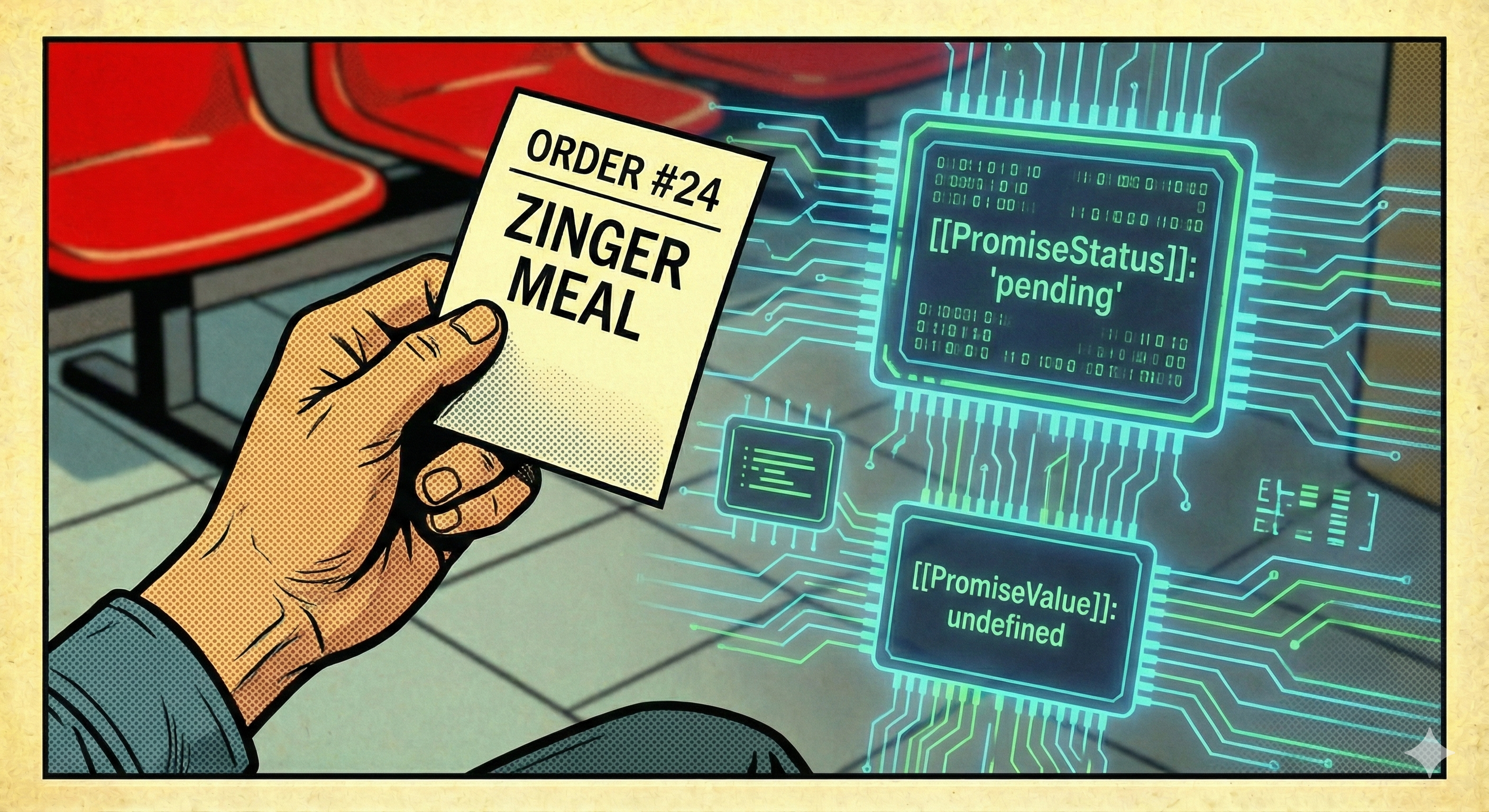
- The order slip links the kitchen and the customer
-
It starts with internal
[[PromiseStatus]]: 'pending' - And
[[PromiseValue]]: undefined
const order = new Promise((resolve, reject) => {
  // kitchen prepares burger here
});
Slide 4
Pending State
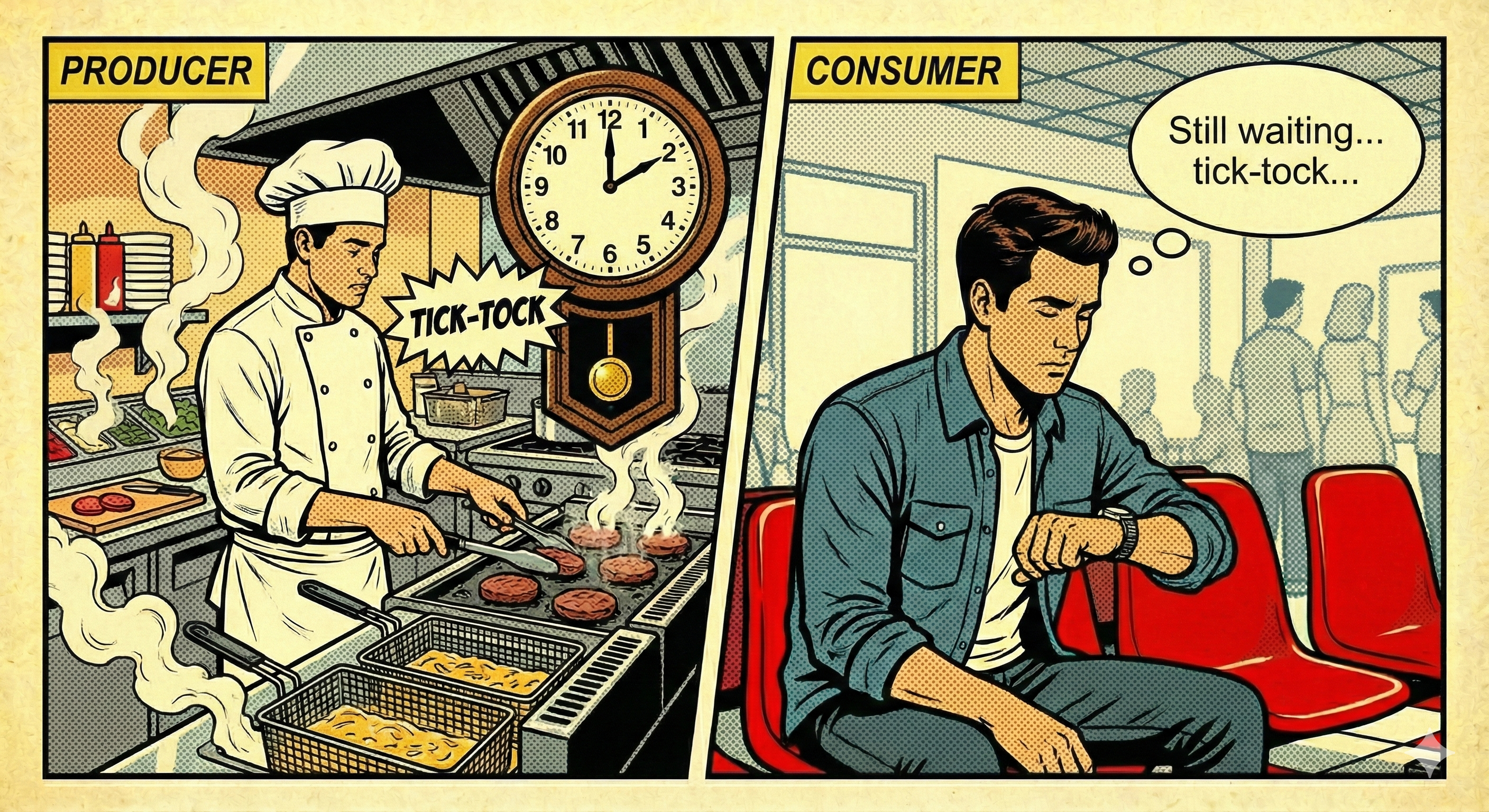
- Kitchen is busy; customer is waiting
- Status:
pending, Value:undefined - Time passes… loaders/spinners are okay
// still preparing… no resolve/reject yet
// [[PromiseStatus]] = 'pending'
// [[PromiseValue]] = undefined
Slide 5
resolve() — Success
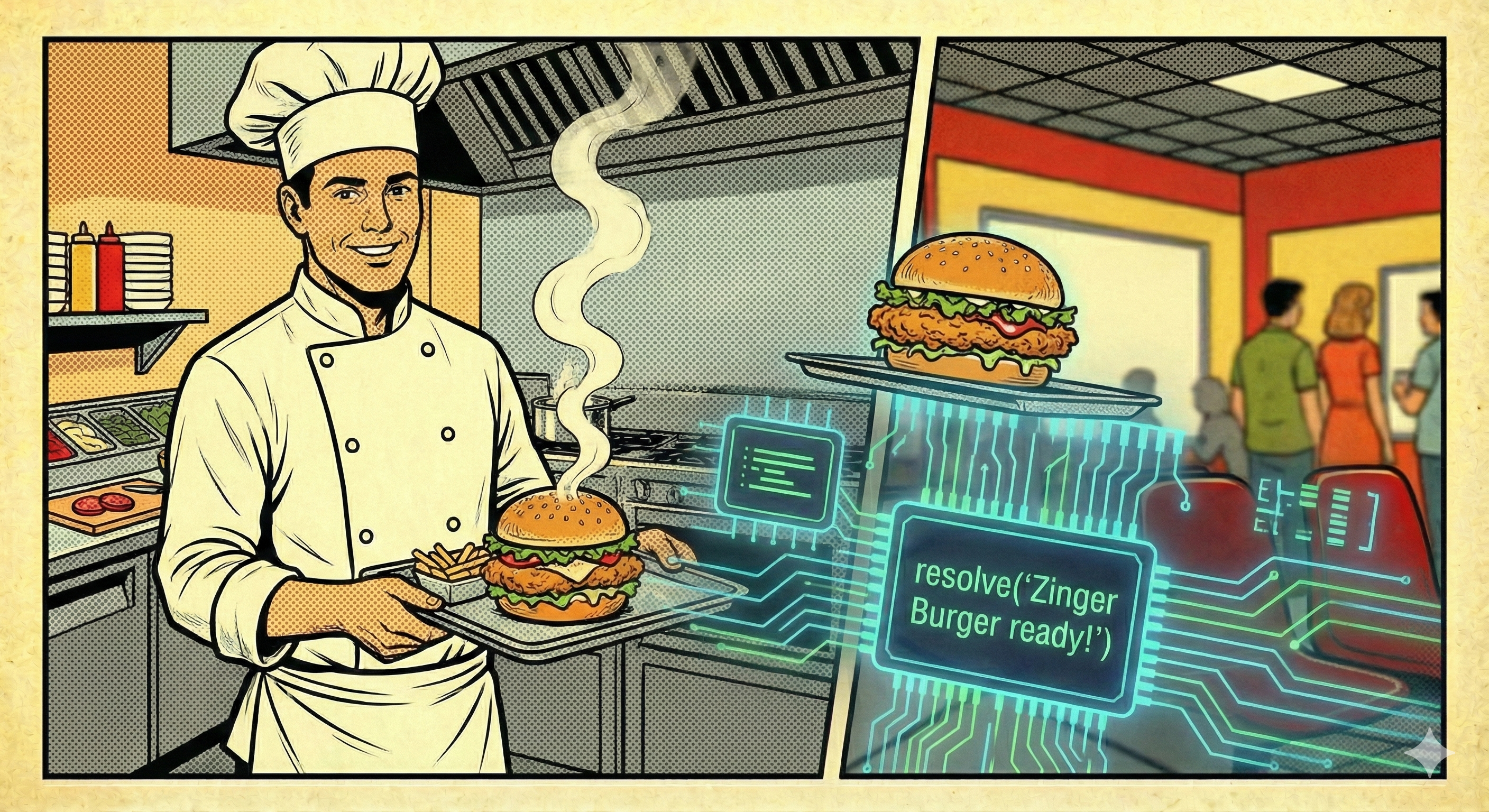
- Burger is ready → kitchen calls
resolve() - Status becomes
resolved - Value becomes the burger message
resolve("🍔 Zinger Burger ready!");
// [[PromiseStatus]] = 'resolved'
// [[PromiseValue]] = "🍔 Zinger Burger ready!"
Slide 6
reject() — Failure
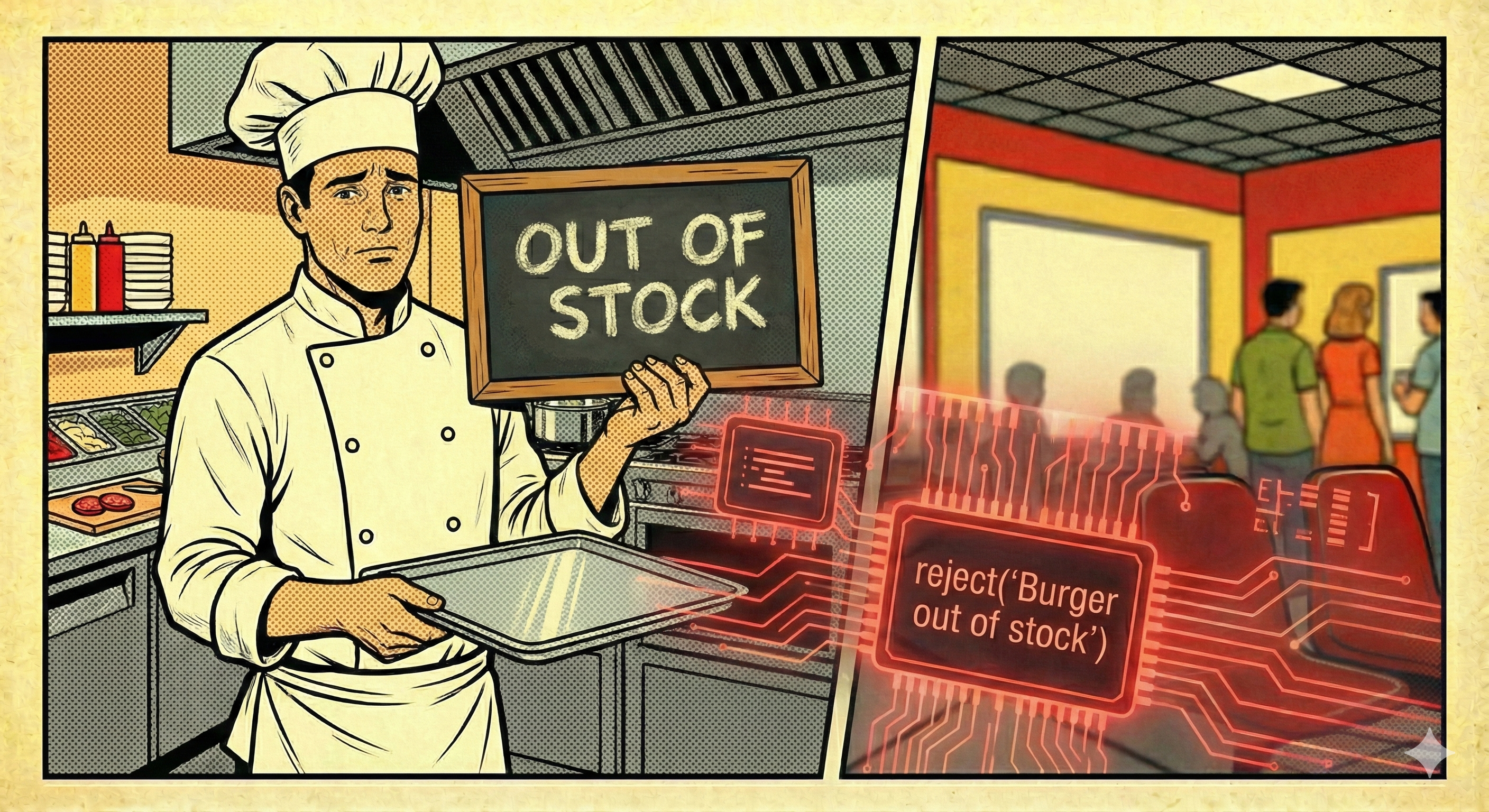
- Out of stock → kitchen calls
reject() - Status becomes
rejected - Value becomes the error message
reject("❌ Burger out of stock!");
// [[PromiseStatus]] = 'rejected'
// [[PromiseValue]] = "❌ Burger out of stock!"
Slide 7
then() and catch()
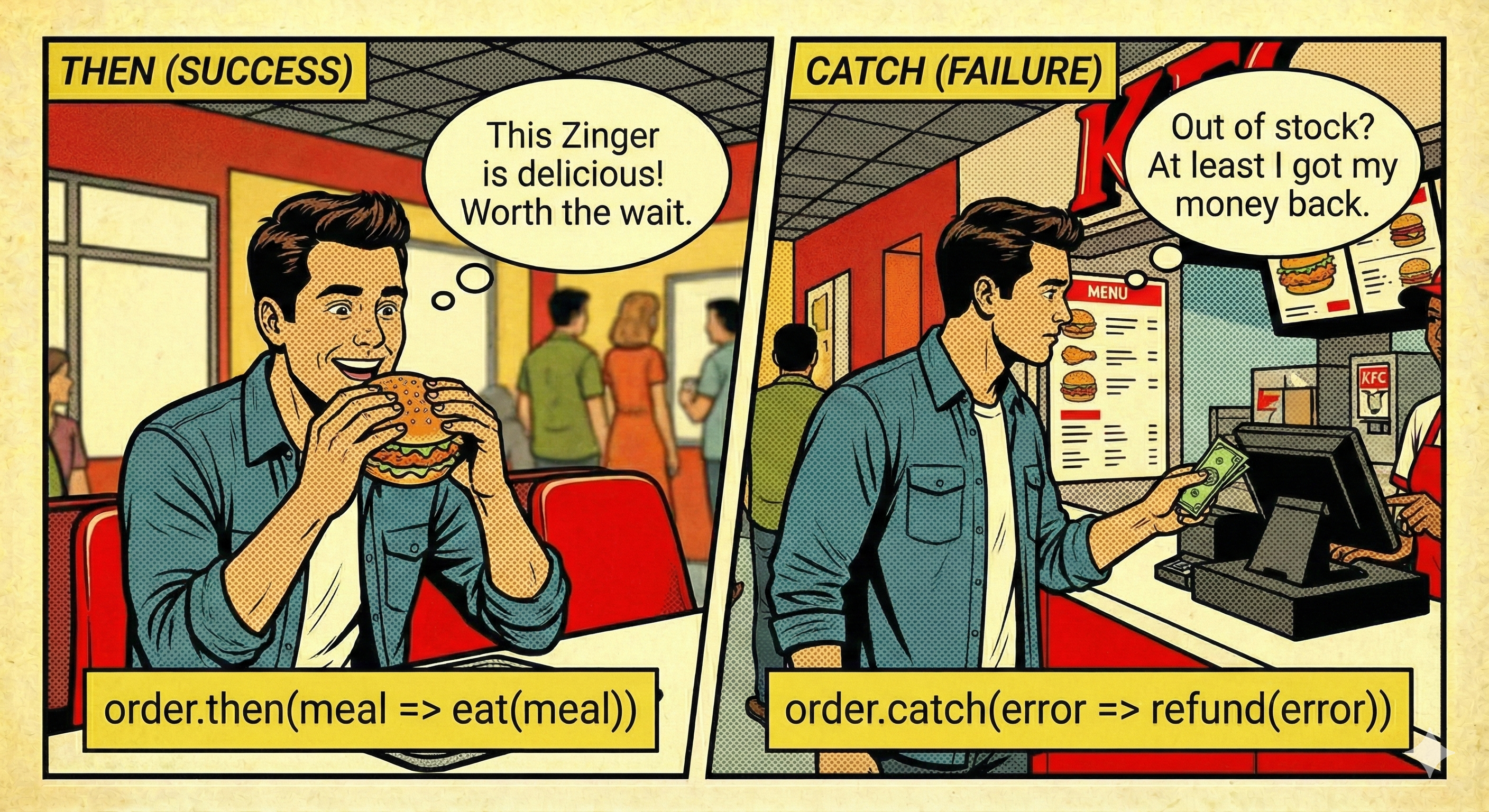
.then()runs on success (customer eats burger)-
.catch()runs on failure (customer gets refund/info) - Always handle both paths!
order
  .then(msg => console.log("SUCCESS:", msg))
  .catch(err => console.error("ERROR:", err));
Slide 8
finally()
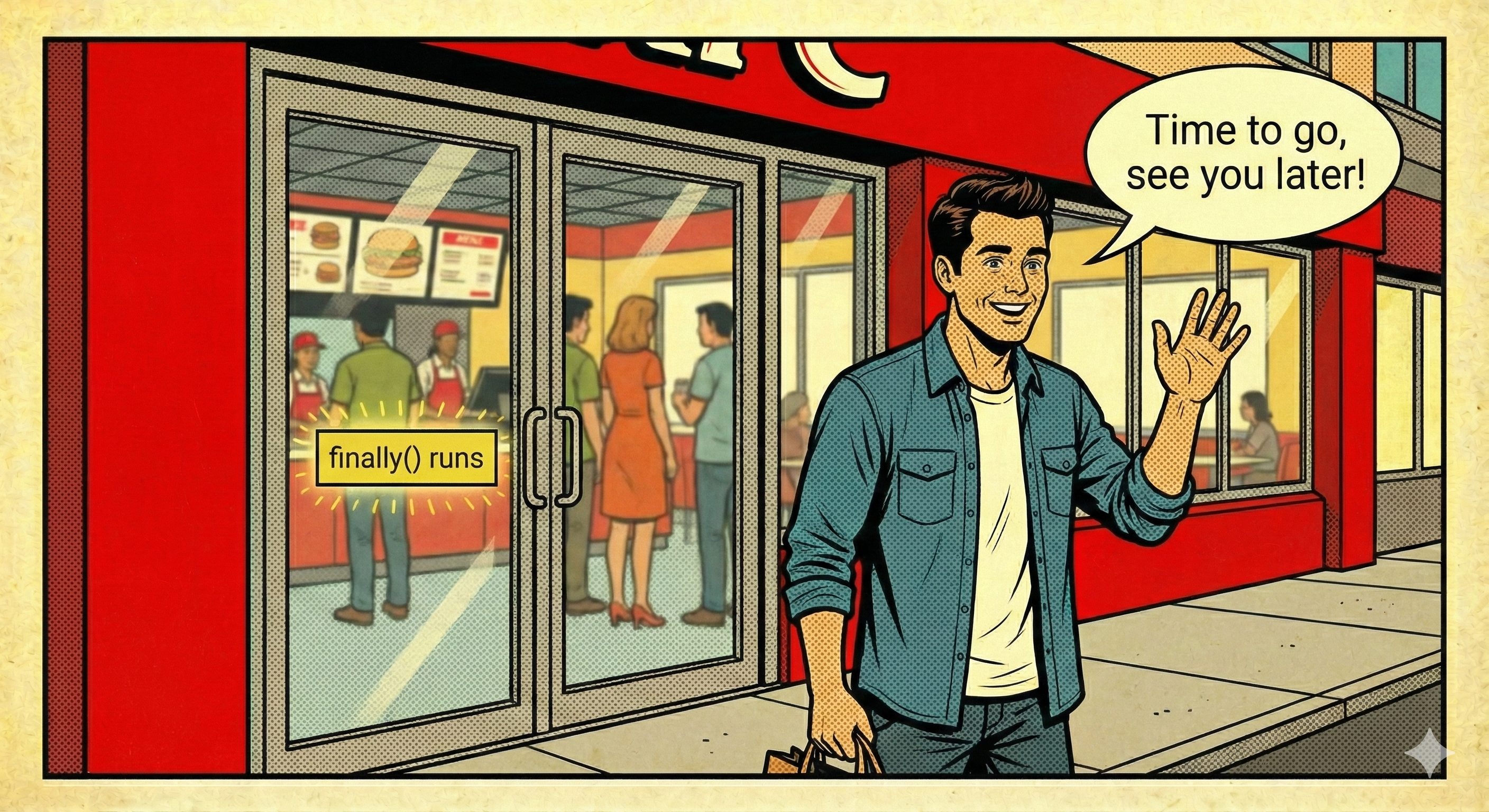
.finally()runs whether success or failure- Use for cleanup: stop loaders, close dialogs, log events
order
  .then(handleSuccess)
  .catch(handleError)
  .finally(() => console.log("🧾 Thanks for visiting KFC!"));
Slide 9
React Example (API Call)
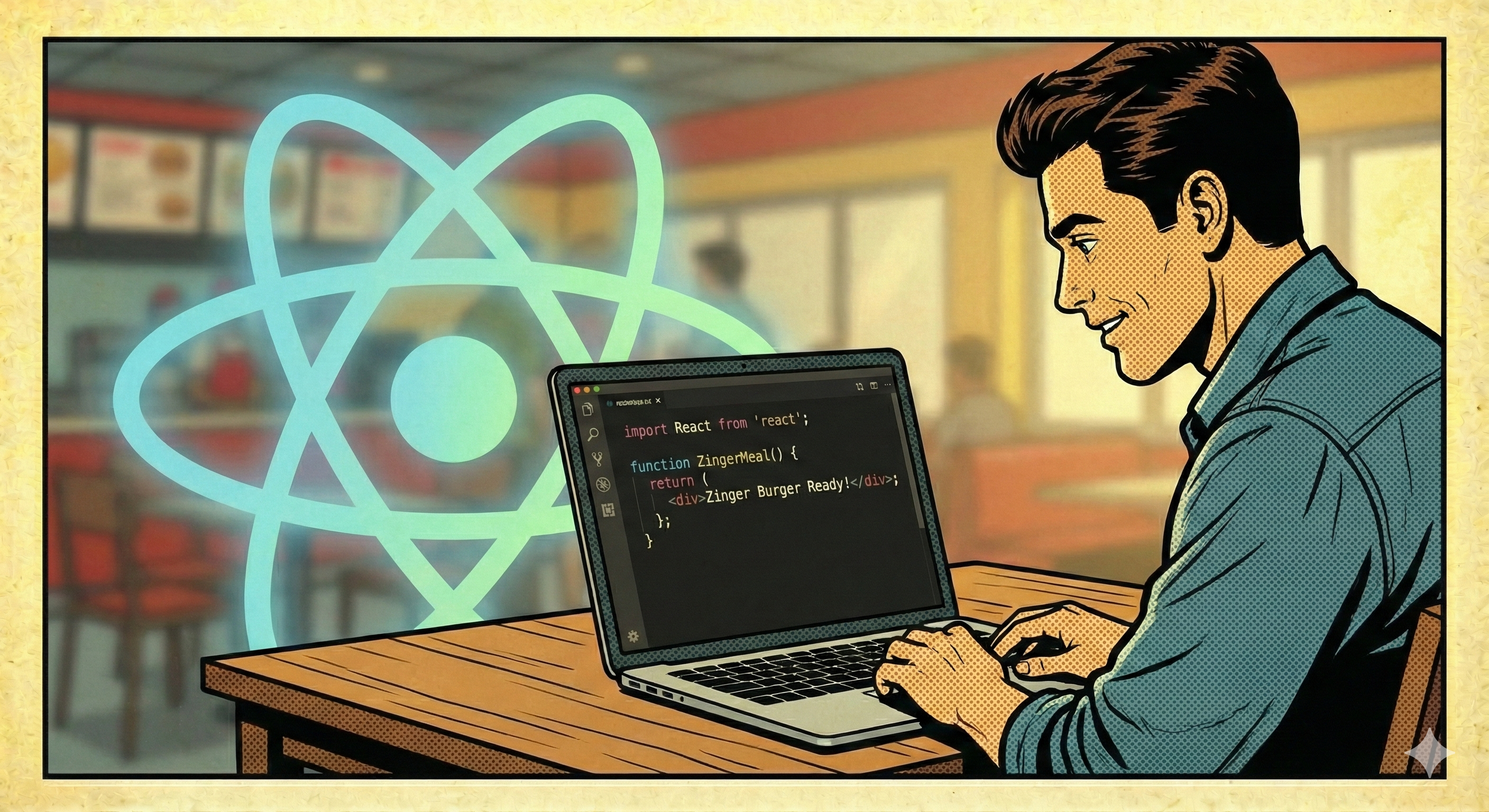
- Use
useEffectfor async fetch -
Track
loading,error,datawithuseState -
Same promise flow under the hood (
fetch→ promise)
import { useEffect, useState } from "react";

export default function Users() {
  const [data, setData] = useState([]);
  const [loading, setLoading] = useState(true);
  const [error, setError] = useState("");

  useEffect(() => {
    let cancelled = false;

    async function load() {
      try {
        setLoading(true);
        setError("");
        const res = await fetch("https://jsonplaceholder.typicode.com/users");
        if (!res.ok) throw new Error("HTTP " + res.status);
        const json = await res.json();
        if (!cancelled) setData(json);
      } catch (e) {
        if (!cancelled) setError(String(e.message || e));
      } finally {
        if (!cancelled) setLoading(false);
      }
    }

    load();
    return () => { cancelled = true; };
  }, []);

  // render UI… (loading/error/data)
}
Slide 10
Summary
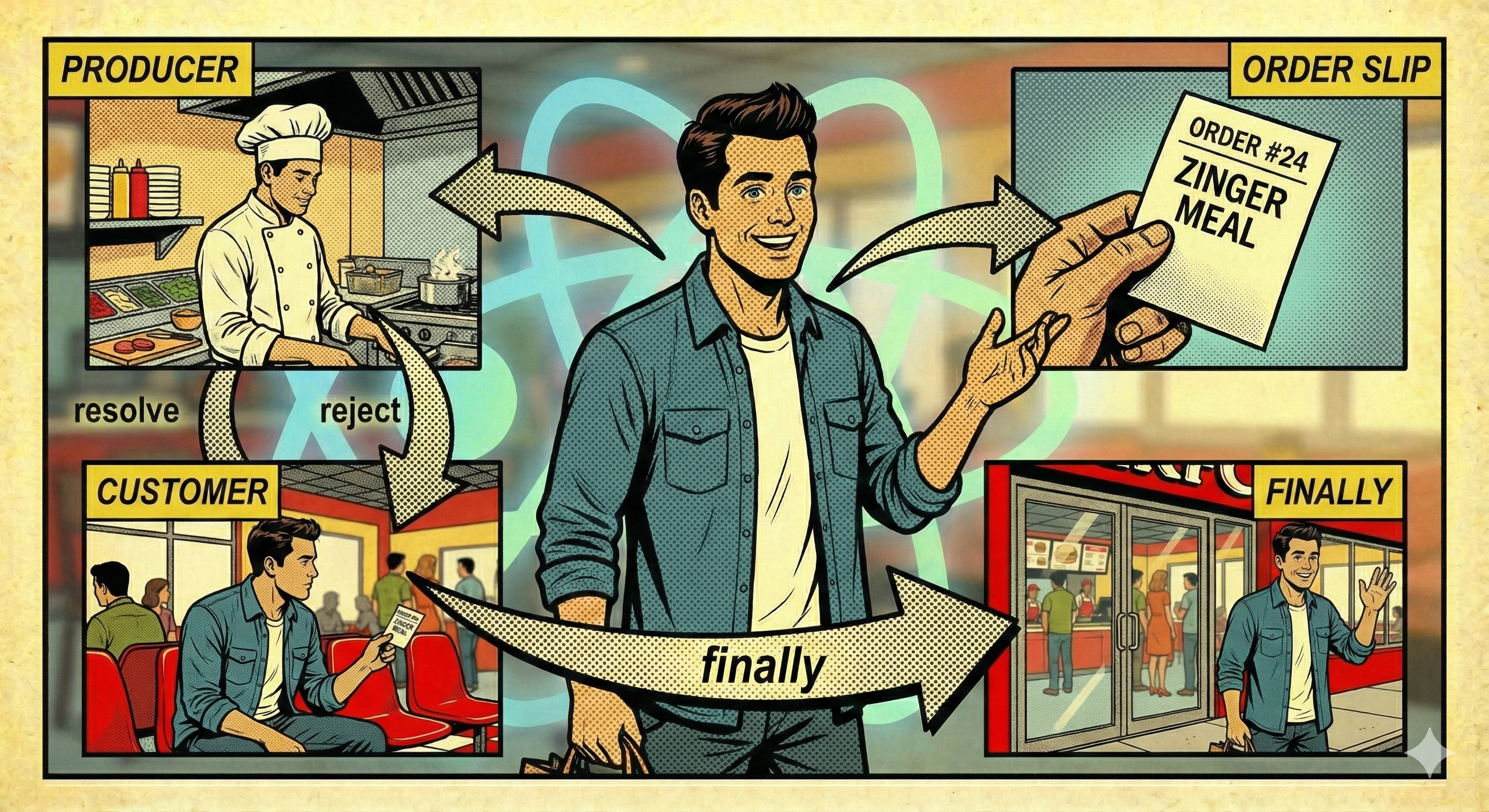
- Promise = a contract between kitchen and customer
-
pending→resolved/rejected -
Use
.then,.catch,.finallyfor outcomes and cleanup -
In React, use
useEffect+ async/await for API calls
new Promise(/* kitchen work */)
  .then(/* eat burger */)
  .catch(/* refund path */)
  .finally(/* go home */);